
FAQ & Browser Compatibility
Why does GCopy require HTTPS?
GCopy relies on the modern W3C Clipboard API, which browsers strictly restrict to Secure Contexts (https:// or http://localhost). Plain http://<lan-ip> will disable navigator.clipboard, so self-hosted deployments must enable TLS (built-in cert or reverse proxy).
Why does Safari ask me to "Press again"?
Safari (on both macOS and iOS) enforces a strict transient user-activation policy: navigator.clipboard.read() and navigator.clipboard.write() must be invoked synchronously inside a direct click gesture, not after a slow network round-trip.
When GCopy first checks /api/v1/clipboard and discovers whether it needs to read or write, Safari's gesture window may have expired. Pressing the button a second time executes the clipboard operation immediately within the fresh gesture.
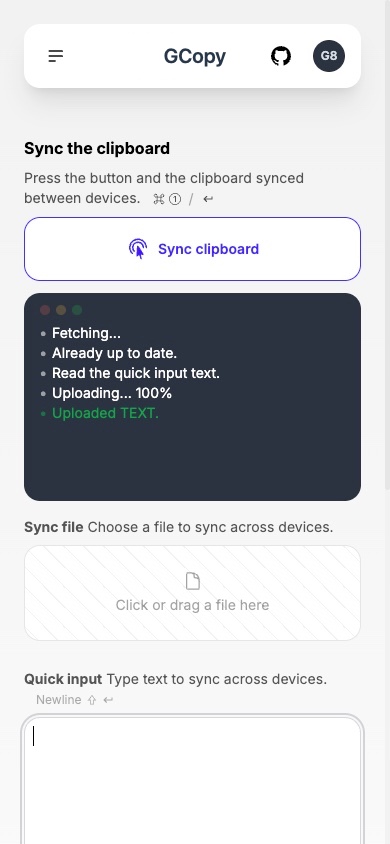
Why does GCopy ask me to press Ctrl+V / Cmd+V for some images?
Certain desktop applications (like WeChat) write non-standard MIME entries to the OS clipboard. Browsers strip those entries from navigator.clipboard.read() for security reasons, making the clipboard appear empty. Pressing Ctrl+V / Cmd+V triggers the standard paste event (DataTransfer), allowing GCopy to read the image safely.
Does GCopy store my data on disk?
No. All synchronized payloads live exclusively in the Go server's memory (Wall) and expire automatically after 24 hours of inactivity. Restarting the server clears all in-memory data immediately.
Tested Browsers
| Browser | Tested Version | Status |
|---|---|---|
| Chrome for macOS / Windows / Android | 107+ / 121+ | ✅ Tested |
| Edge for Windows / Linux / Android / HarmonyOS | 108+ / 122+ / 130+ | ✅ Tested |
| Safari for macOS | 15.6+ | ✅ Tested |
| Safari for iOS | 16.1+ | ✅ Tested |
| Opera for macOS / Windows | 109+ | ✅ Tested |